
The installation activities in this section are optional following the installation of DB2 Version 5 on your system. It describes what you need to do if you plan to:
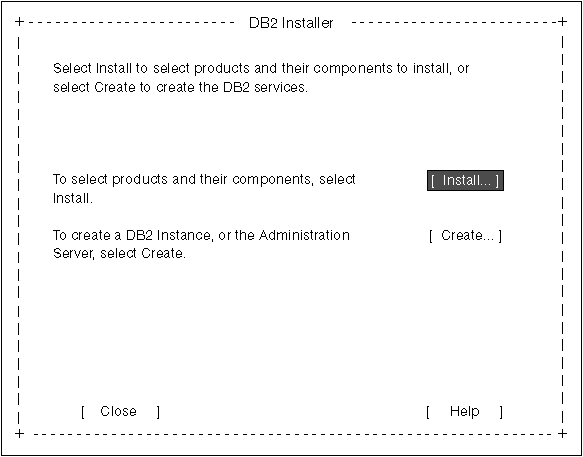
The next time you start the DB2 Installer program, after having installed
DB2 Version 5, the main menu will look like the following screen.
To select additional products and their components for installation, select Install from the DB2 Installer screen. See step 6 for instructions.
To create a DB2 instance or the Administration Server on your system, select Create from the DB2 Installer screen. See step 7 and step 9 for instructions.
To terminate the DB2 Installer program, select Close.